
Latest Resources
Latest Marketing Resources
Every new guide, template, and checklist from Holistic Digital, newest first.
Start with what was just published, or search for the problem you are working on right now.
Not sure where to start? Take the free Foundation Audit
Start Here
New resources, in the order they were published.
This page lists every resource as it goes live on Holistic Digital. Guides explain how a piece of marketing works. Templates and checklists give you a way to put it to work the same day. Each one is written by Amy Reis, drawing on about 30 years of marketing work from hands-on execution through CMO-level strategy.
If you already know your topic, the topic hubs below group every resource by subject. If you want to see what is new, start with the list.
Use this page to:
- See what was published most recently
- Find a resource by topic or layer
- Pick up a template or checklist for this week’s work
- Catch up on anything you missed since your last visit
Newest First
Recently published
Each card shows the topic the resource belongs to, a short summary, and a link to the full resource. Twelve show per page; use the page numbers at the bottom to go further back.

Marketing Foundation Assessment
Read the resource: Marketing Foundation AssessmentA free self-audit to find the gaps in your marketing foundation. (Takes less than 10 minutes)
Notion October 2026 Update
Read the resource: Notion October 2026 UpdateWhat changed in Notion’s October 2026 update, what it means for marketers and template sellers, and what to do now.
Choose Social Media Platforms
Read the resource: Choose Social Media PlatformsSocial Media Framework How to choose social media platforms for your business Pick two platforms you can keep up, and skip the rest. Five…
- Campaign Management, Content Creation, Content Distribution, Content Marketing, Content Strategy, Customer Acquisition, Email Marketing Resources, Lead Generation Resources, Paid Media & Advertising Resources, Resources, Small Business Marketing
Digital Marketing Campaign Management Resources
Read the resource: Digital Marketing Campaign Management ResourcesResources for planning, launching, and measuring campaigns: goals, landing pages, follow-up, tools, and reviews.
90 Day Marketing Plan | Notion Template
Read the resource: 90 Day Marketing Plan | Notion TemplateBuild a working marketing system in 90 days: goal, offer, proof, one channel, and a landing page with follow-up. A free Notion template.
LinkedIn Marketing for Small Business
Read the resource: LinkedIn Marketing for Small BusinessSocial Media Guide LinkedIn marketing for small business Turn your expertise into conversations with the people who hire you. How consultants, coaches, and B2B…
- Digital Marketing Strategy, Business, Digital Marketing Strategy Resources, Lead Generation Resources, Marketing Automation Resources, Marketing Foundations, Marketing Fundamentals, Online Marketing Guides, Resources, Small Business Marketing, Website Conversion Optimization Resources
Organic vs. Paid Marketing
Read the resource: Organic vs. Paid MarketingFind and fix the gaps in your digital marketing foundation with practical resources for positioning, messaging, offer clarity, lead capture, follow-up, measurement, and strategy.
Facebook Marketing for Small Business
Read the resource: Facebook Marketing for Small BusinessSocial Media Guide Facebook marketing for small business Win the recommendations your customers already ask for. Where Facebook still works for small businesses, from…
Tools you need to start your own business
Read the resource: Tools you need to start your own businessSeven steps from business name to first leads, with the tools that fit each step.
Social media visibility strategy: branded content
Read the resource: Social media visibility strategy: branded contentHow branded content, consistent posting, and audience engagement grow your social media visibility.
SiteGround WordPress setup guide
Read the resource: SiteGround WordPress setup guideSetup Guide How to set up a WordPress marketing site on SiteGround Six steps to go from a new SiteGround account to a site…
Website Design & Development resources
Read the resource: Website Design & Development resourcesResource Hub Website design and development resources Build a website that supports the marketing system. Use these resources to make website decisions around clarity,…

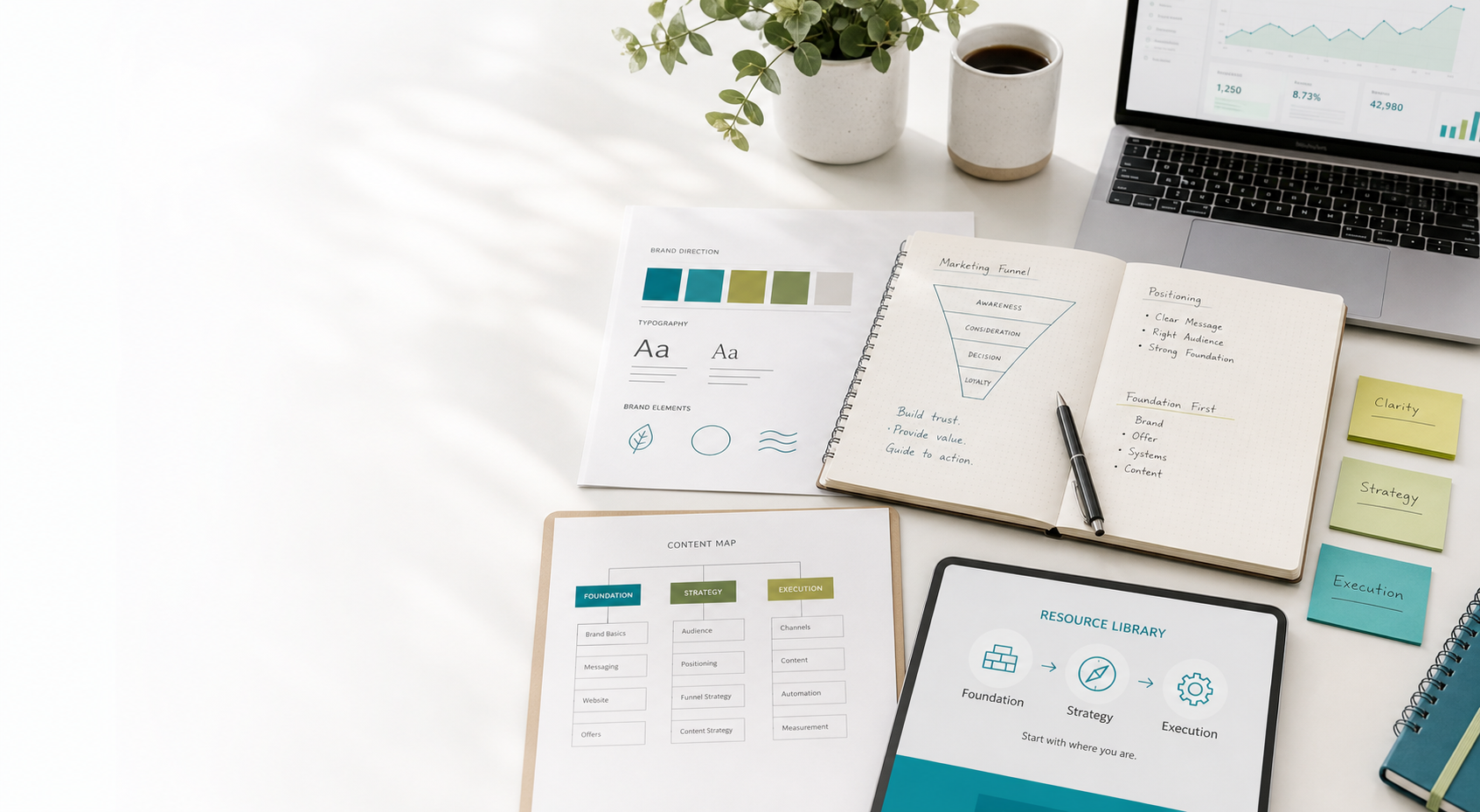


How Resources Are Organized
Every resource belongs to one of three layers
Marketing works in an order. Get clear on who you serve and what you sell, decide which channels earn your time, then build the systems that keep the plan running. Every resource on this page fits one of those three layers, and the layer tells you whether it solves the problem in front of you.
If a new resource belongs to a layer you have not settled yet, save it for later. Working out of order is the most common reason marketing feels like effort without results.
Layer 1
Foundation
The clarity work. Your ideal customer, positioning, messaging, and offer, decided once so every page and campaign starts from the same place.
Layer 2
Strategy
The plan. Which channels to use, what to prioritize, and what to measure, so decisions follow the plan instead of the latest idea.
Layer 3
Execution
The system. CRM, tracking, automation, and content workflow that keep the plan running without depending on your energy each week.
Resource Types
Five kinds of resources, each with its own job
Every resource on this page is one of five types. The type tells you how much time it takes and what you walk away with, so you can pick the right one for the time you have.
Guides and frameworks build understanding. Templates and checklists turn that understanding into finished work. Tool overviews help you choose software once you know what the system needs to do.
What each type gives you
- Guides: how a part of marketing works and what to do about it, in one sitting.
- Frameworks: a model you can apply to your own business, step by step.
- Templates: a ready structure, often a Notion build, that you fill in with your specifics.
- Checklists: a pass or fail review of one piece of your marketing.
- Tool overviews: what a platform does, who it fits, and where it falls short.
Topic Hubs
Browse by topic
Each topic hub gathers every resource on one subject, in the order you would use them, with an explanation of how the pieces fit together. Use a hub when you know the problem and want everything on it in one place.
New resources are added to their topic hub the day they appear on this page.
Getting Value
How to use a new resource
01
Check the layer
Read the first section to see which layer the resource belongs to. If it depends on work you have not done yet, start there instead.
02
Apply it to one thing
Use the resource on one real piece of your marketing: one page, one offer, one email sequence. Small and finished beats broad and half done.
03
Fill it in with your answers
Templates and checklists work when the blanks hold your specifics. Generic answers produce generic marketing.
Questions
Common questions
How often are new resources published?
There is no fixed schedule. A resource goes live when it is ready, and it appears at the top of this page the same day. Members of the free Resource Library get an email each time, so they never need to check back.
What is the difference between this page and the Resource Hub?
This page lists every resource by date, newest first. The Resource Hub organizes the same resources by topic and by layer, so you can follow a path through a subject. Use this page to see what is new and the Resource Hub to work through a topic.
Are the resources free?
The guides are free to read. Many templates and checklists are free too, sometimes behind a short download form. Some premium resources are paid, and their pages say so plainly.
Where should I start if I am new?
Start with the Foundation layer. If you cannot explain who you serve and what you sell clearly in a sentence, every other resource will work harder than it should. The free Foundation Assessment shows which layer needs attention first.
Can I suggest a topic for a new resource?
Yes. Send it through the contact page with a sentence on the problem you are trying to solve and where your marketing gets stuck. The more specific the problem, the more useful the resource. When a resource on that topic is published, it shows up at the top of this page.
Get New Resources First
Have new resources sent to you
Join the free Holistic Digital Resource Library and get each new guide, template, and checklist in your inbox the day it is published.